
Project overview
To make an application available in IAM, the model of the application must be synchronized from the Software Factory. Upon synchronization, the Intelligent Application Manager retrieves a copy of the model from the Software Factory database. To synchronize a project version, open the Synchronization screen in the Software Factory environment.
The Project overview screen contains an overview of all the projects that have been synchronized to the Intelligent Application Manager.
In order to guarantee the performance of the Intelligent Application Manager and to optimize the startup time of the user interfaces, it is highly recommended to delete old project versions!
Relink files
After synchronization, run the Relink files task on a project version to update all file references in a Software Factory model to the desired configuration for the production environment.
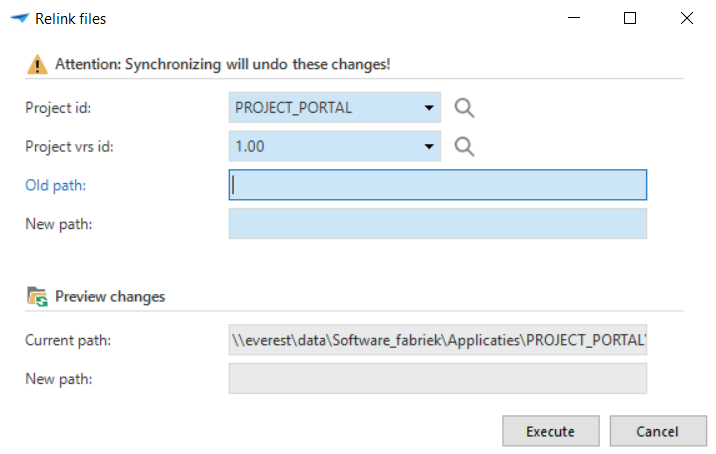 Relink files
After synchronization, one or more applications need to be set up.