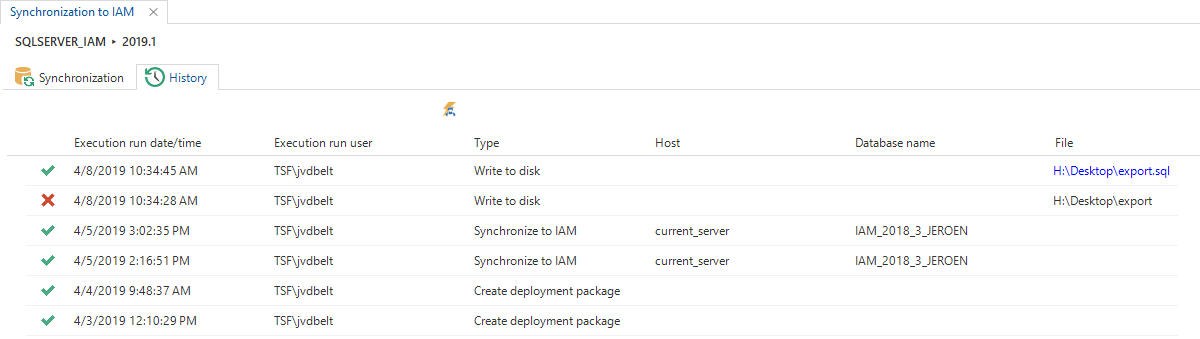
Synchronization
Starting with version 2019.1 of the Thinkwise Platform, synchronizing a project version from the Software Factory to IAM is done by pushing the model from the SF to IAM instead of pulling it from IAM.
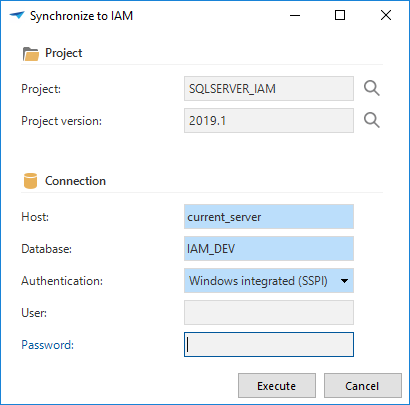
To synchronize a project version to IAM, open the Synchronization to IAM screen from the Deployment menu.
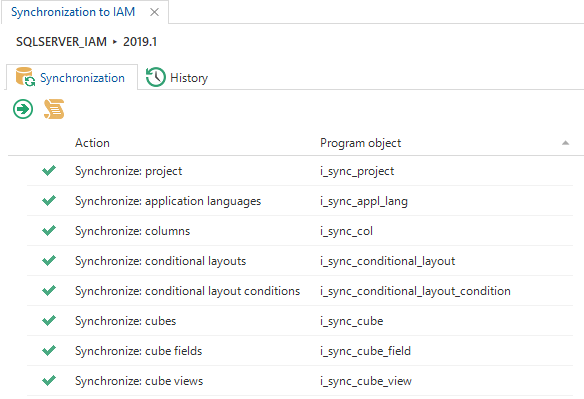
Two tasks are available to either synchronize directly into an IAM database or to create a synchronization script to manually synchronize the model to, for example, a remote IAM server.
On synchronization, the tasks first check if there are any unsolved validation messages and if there are any roles present in the project version you want to synchronize. If no roles are present, create new roles or import these roles from (an upgraded) IAM using the Import roles task.
If a synchronization aborted unexpectedly, the Reset synchronization lock task can be used to manually reset the synchronization status for a project version.
The History tab page shows a list of all previous synchronizations.