
Model rights
The Model rights screen allows for rights to be assigned to roles from a model perspective. Using the Model tab page you can select a model object and grant rights for this object to multiple roles.
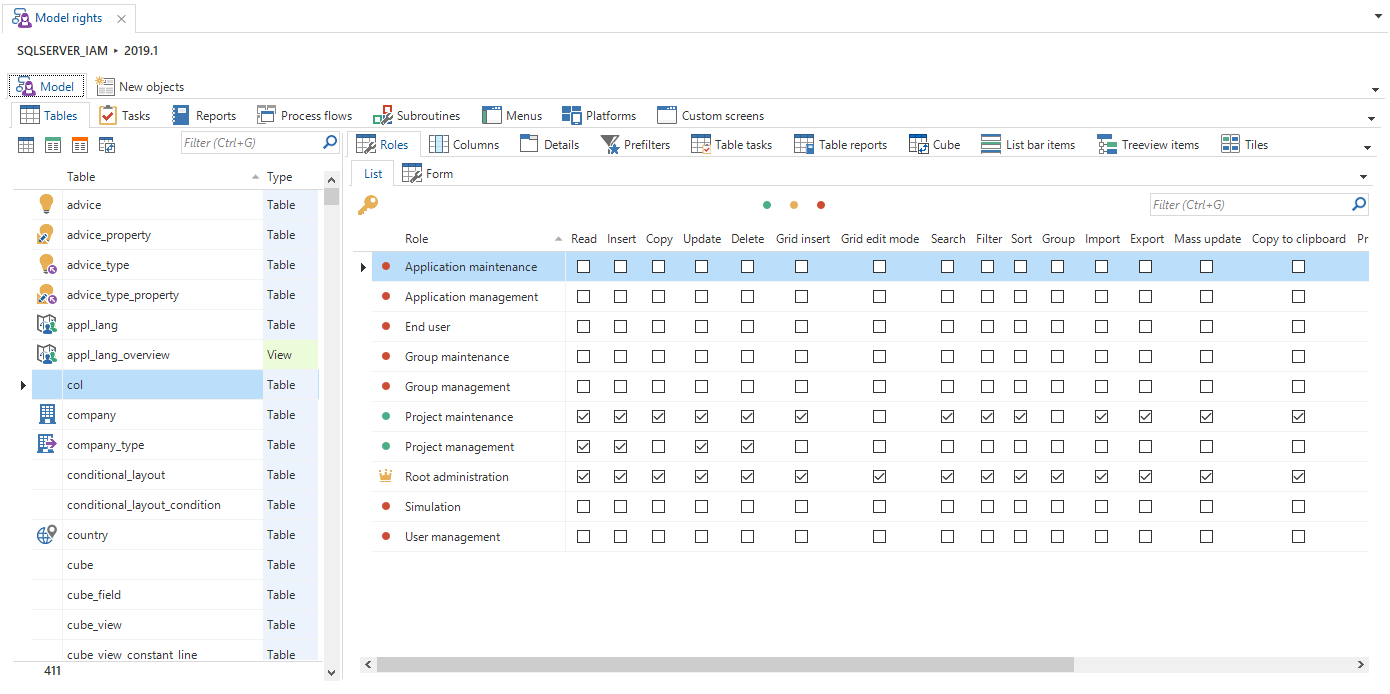 Model rights
New objects
The New objects tab page shows the objects that are new in this project version compared to the previous version. Use the Update previous version task to configure the version to compare with. This is the same version that is used for the data conversion.
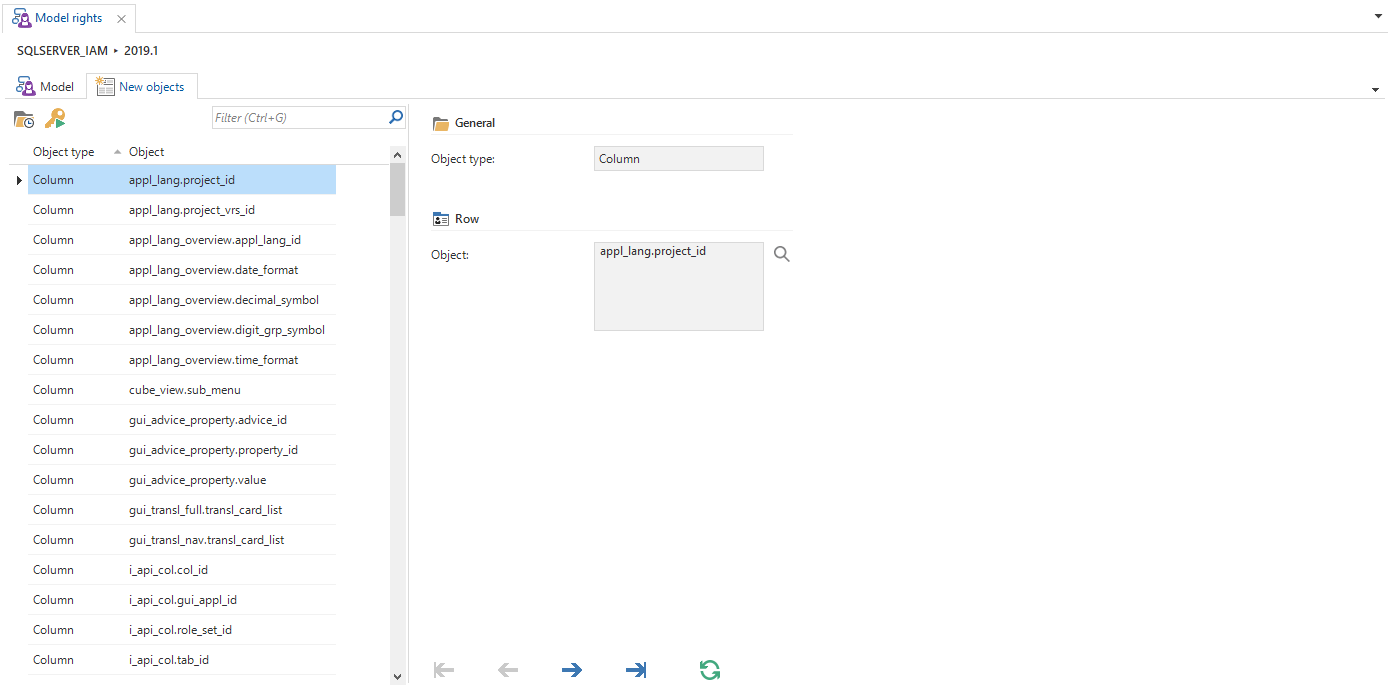 New objects
Click the Go to object task to jump to the selected object in the Model tab page. There you can configure the required rights for the new object.