
Installation
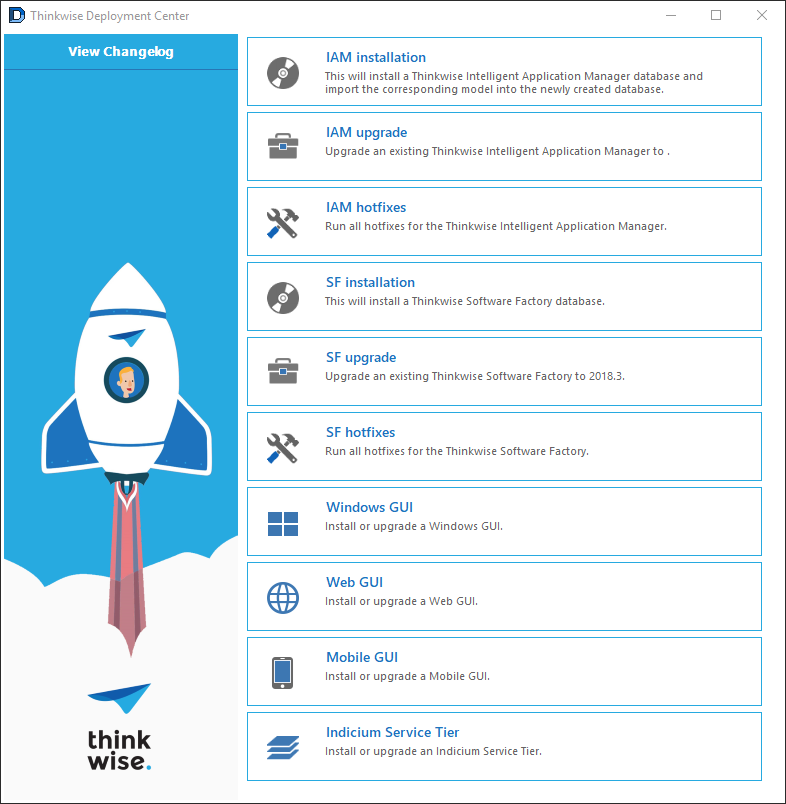
The Thinkwise Platform can be easily installed using the Thinkwise Deployment Center.
After downloading the Deployment Center from the Thinkwise Community Portal, run the twdeployerGUI.exe to start the installation.
The Deployment Center can be used to install both an application environment, consisting of an Intelligent Application Manager,
Indicium Application Tier and user interfaces, and the Software Factory development environment.
A command-line installer is available for automated deployments.
The Deployment Center can also be used to install applications created with the Thinkwise Platform. More information can be found here.
Intelligent Application Manager
Start by installing the Intelligent Application Manager for the Thinkwise application or the Software Factory development environment. It is also possible to upgrade or apply hotfixes to an existing IAM installation.
The IAM installation will guide you through all required steps to install the IAM database, Indicium Application Tier and user interfaces. To install the Indicium Application Tier, it is required that the IIS Administration API is available on the target server.
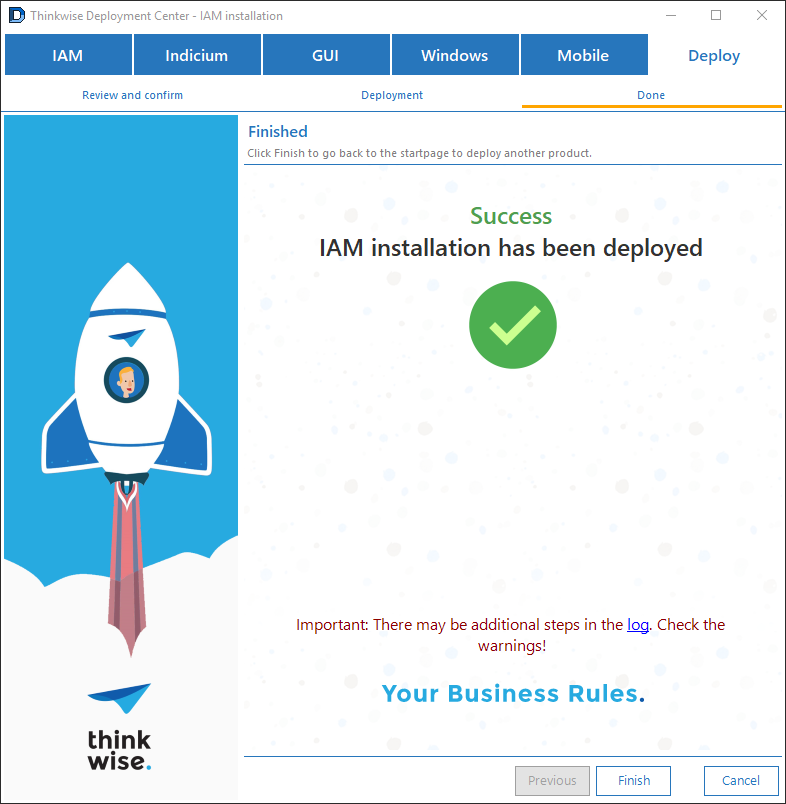
After the installation, a shortcut is available on your desktop to start the IAM application.
License
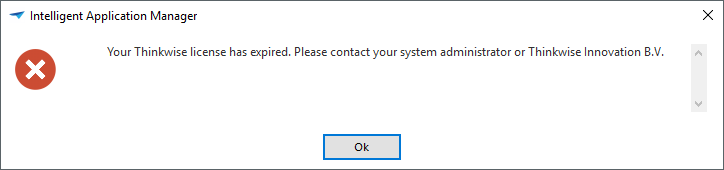
The Deployment Center comes without a Thinkwise Platform license. Therefor, when starting the IAM for the first time using the shortcut on the desktop, a message is shown:
To update the license, log on to the Thinkwise Community Portal (through the Web interface) and navigate to Software > Thinkwise Products. Click on the Download licenses task to download a Thinkwise license file.
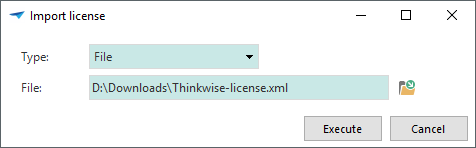
In the IAM, use the Import license task in the Settings menu to import the downloaded license file in the IAM. After restarting the IAM, the license is activated.
Software Factory
When installing a development environment, continue with the Software Factory installation.
As the model of the Software Factory development environment needs to be added to an IAM, the first step is to connect with a database server and select the IAM database to use. In most cases, this is the IAM databases created in the previous step.
After installing the Software Factory, the previously created IAM shortcut can be used to start the development environment.
Other components
The Deployment Center can also be used to manually install or update the Windows, Web and Mobile user interfaces or the Indicium Application Tier.
Note that to be able to install the Web GUI or Indicium using the Deployment Center, the IIS Administration API needs to be installed on the web server.