
General
Extenders are used to unlock GUI features that are not yet available in the Software Factory and IAM. These features can be configured from the Extenders tab page in the Full model screen.
Note: This is an advanced feature and some knowledge of the GUI feature being configured may be required. Please contact your Thinkwise contact person for assistance when needed.
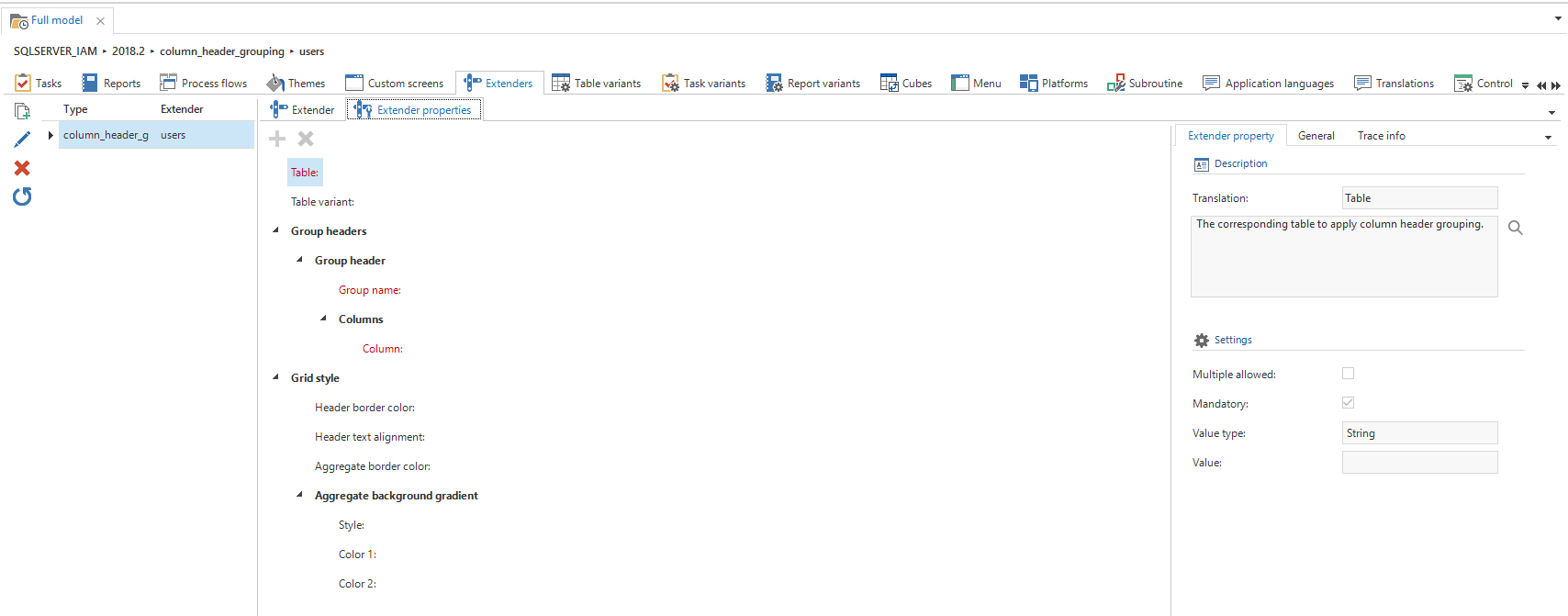 Extenders
After creating a new extender it can be configured by assigning values to the properties under the Extender properties tab. Properties highlighted in red signify mandatory properties and these must be assigned a value in order to ensure the extender will work. Other properties are either optional, or have a default value when no value is assigned in the modeler. For a more detailed description on how to assign values, refer to the Description field for each property.
Some properties can be assigned a value multiple times. These will have the "Multiple allowed" checkbox checked. Another property can be created by clicking on the Create property task icon in the top left corner.
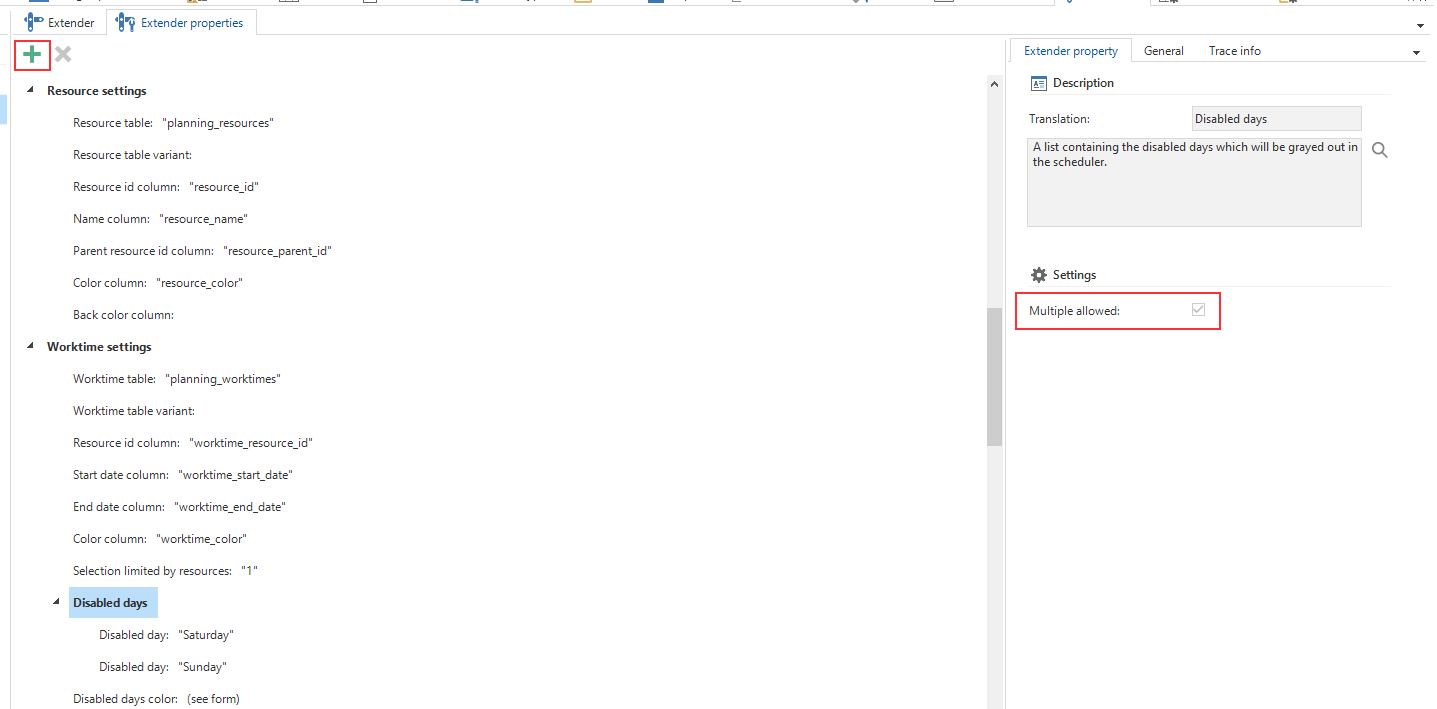 Creating multiple properties