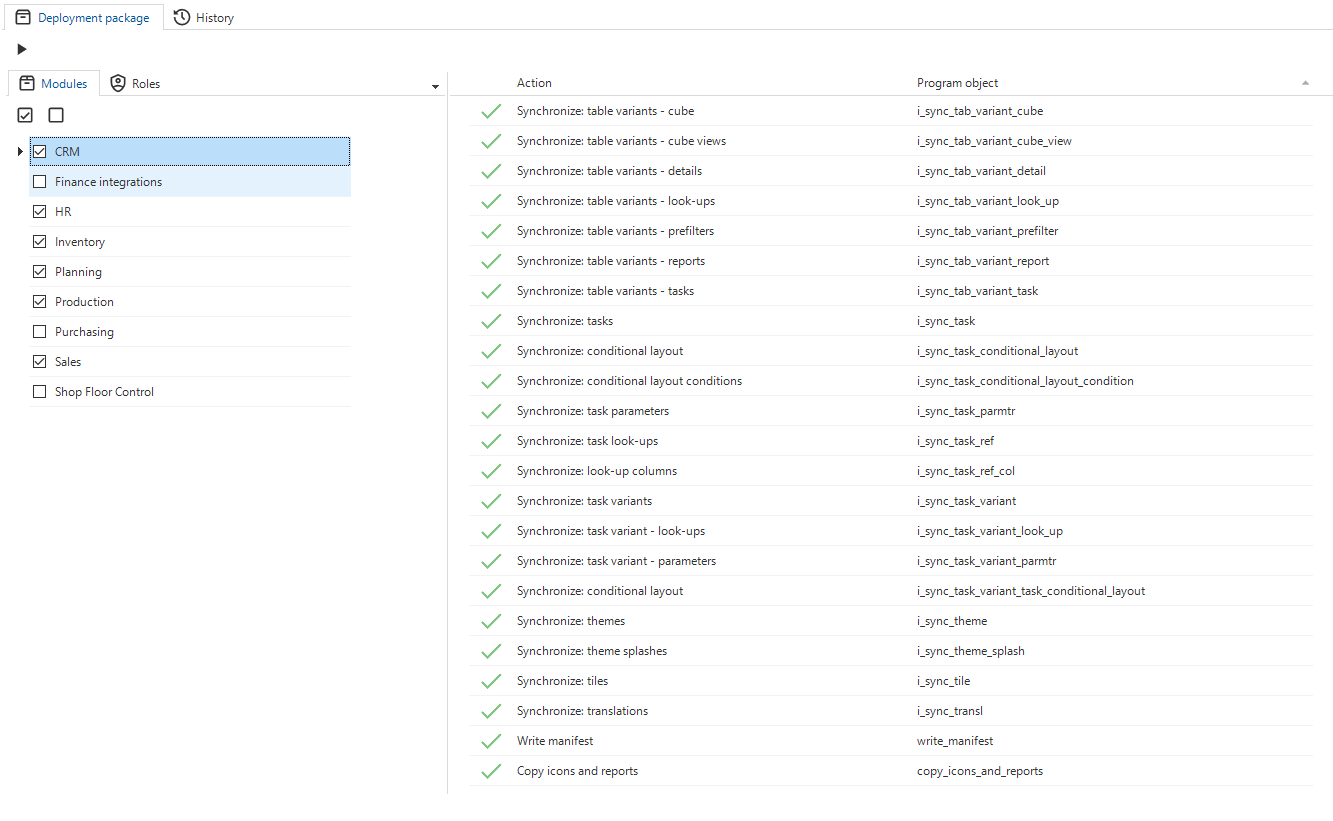
Deployment package
Deployment packages provide a way to easily deploy applications created with the Thinkwise Platform to different locations, customers or tenants. Deployment packages can be executed using the Thinkwise Deployment Center, either using the graphical user interface (GUI) or the command line interface (CLI). The CLI can also be used together with deployment and release management tools like Octopus Deploy to automate deployments.
A deployment package for a project version can be created using the Deployment package screen.
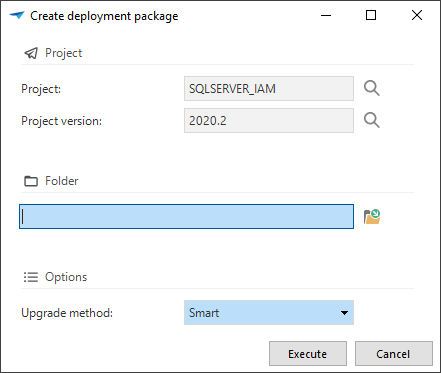
Clicking the Create deployment package task will:
- Generate the project version definition
- Validate the project version definition
- Generate the project version code for the full install and the full/smart upgrade
- The upgrade will be generated full or smart depending on the choice made in the Upgrade method field
- Generate the synchronization script for IAM
- Generate the manifest for the Thinkwise Deployment Center
- Copy all assets used by the project version, like reports and icons
Only assets within the project version folder are copied. Assets outside this folder can't be deployed correctly by the Deployment Center.
Please note that creating a deployment package can take a while.
The History tab page shows a list of previously created deployment packages.
Modules
If a project version contains any modules, a list of available modules will be shown. By checking the modules they can be included or excluded from the deployment package.
The Roles tab shows all roles and any modules they are included in. A checkmark in front of the role indicates if it will be included in the deployment package.